
This manual is a user manual for the Canon FAXPHONE L80. It introduces the main features and characteristics of the product, as well as how to use the manual and maintain the device.
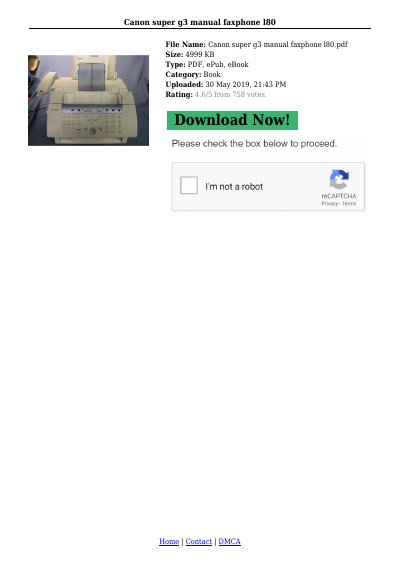
The Canon FAXPHONE L80 is a complete multifunction system designed for home or small office use. It combines essential office machines into a single desktop unit. This guide covers unpacking, installation, and basic operation procedures.
Key features include the ability to make copies at 400 dpi for single pages and 200-300 dpi for multiple copies. The device supports various sending methods such as memory sending, speed dialing (OneTouch, Coded, and Group), and delayed transmission. It also includes functions for remote reception and restricting unsolicited faxes.
| Copy Resolution (Single) | 400 dpi |
|---|---|
| Copy Resolution (Multiple) | 200-300 dpi |
| Starter Cartridge Yield | 1,500 pages |
| Replacement Cartridge Yield | 2,700 pages |
A dedicated extension off a PBX machine without 'Call Waiting' or 'Camp On' signals is recommended. Key telephone systems are not recommended because they may cause fax errors.
Documents stored in memory will be erased when the power is disconnected. You should print or send any stored documents before unplugging.