
canon faxphone l75 service manual is a service manual for canon faxphone l75 model products, including the maintenance methods, maintenance steps, maintenance tools and other information of the product
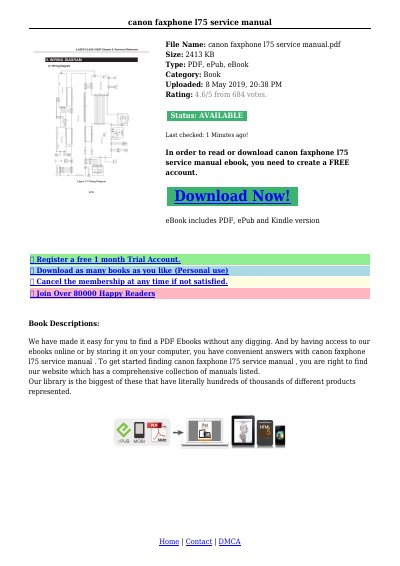
The Canon Laser Class 1060P is a faxphone device that utilizes an LBP printer operating on the principle of electro photographic recording. It supports high-speed data transfer via ECP mode, allowing data lines to be used in both directions without changing modes.
This Service Reference Manual details the technical theory of the product and provides specific procedures for disassembly and part replacement. It includes instructions for removing components such as the main cover, scanner unit, fixing ass'y, and toner sensor, along with precautions regarding static electricity and data preservation before board replacements.
The product uses an LBP printer operating on the principle of electro photographic recording.
Initialization is carried out when the power is turned ON, when documents are inserted and when documents are ejected.
After replacing the SCNT board, you will need to perform an All Clear operation.