
Key facts
- Brand
- DYMO
- Model
- 210D
- Category
- Office Equipment
- Industry
- Appliances
- Documents
- 2
- Languages
- EN
- Last added
- 2023-10-13
Start here
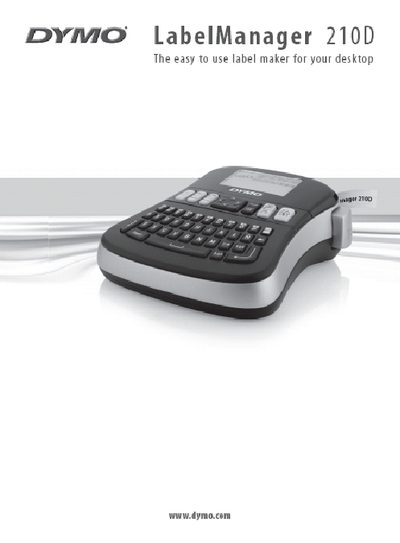
DYMO LabelManager 210D User Manual
This manual introduces the DYMO LabelManager 210D label maker, describing its features, battery and optional AC power options, and the DYMO D1 tape cassettes it uses. It guides you through initial setup, including inserting batteries, connecting an optional 9 V power adapter, and loading a tape cassette.
The guide then covers everyday use such as creating and formatting labels, using symbols, adjusting print contrast, and saving labels. It also includes troubleshooting tips, customer support contact information, and safety notes.
DYMO 210D specifications
| Tape Cassette Widths | 6 mm (1/4"), 9 mm (3/8"), or 12 mm (1/2") |
|---|---|
| Power Source | Six high-capacity AA alkaline batteries |
| Optional Power Adapter | 9 Volt, 1.5 A |
| Font Sizes | Extra Small, Small, Medium, Large, Extra Large, and Extra Extra Large |
| Font Styles | Six different font styles |
| Memory Capacity | Up to nine frequently-used labels |
All DYMO 210D documents by type
Day-to-day operation, settings and troubleshooting. Start here if the product is already set up.
Questions answered in these manuals
What tape cassette widths are compatible with this label maker?
The label maker uses DYMO D1 tape cassettes in widths of 6 mm (1/4"), 9 mm (3/8"), or 12 mm (1/2").
How many labels can be saved in the memory?
You can save up to nine frequently-used labels, including text and all formatting.
How many batteries does the LabelManager 210D use?
It uses six high‑capacity AA alkaline batteries.
What type of tape cassettes are compatible?
The label maker works with DYMO D1 tape cassettes in widths of 6 mm, 9 mm, or 12 mm.