
Leica AT901 Laser Tracker User Manual

This document introduces the use of Leica AT901 laser tracker, including installation, configuration, measurement, etc.
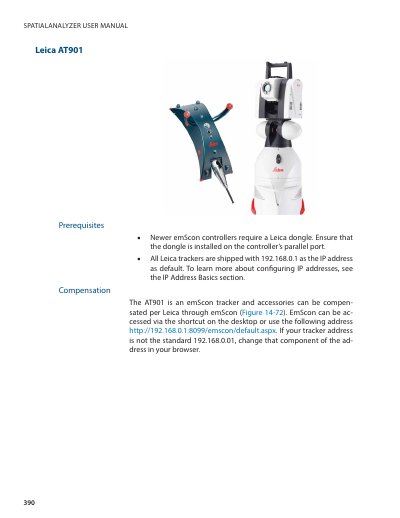

Leica AT901 Laser Tracker User Manual - cover page
Brand
Leica Geosystems
Document type
User Manual
Language
English
Pages
7
File format
PDF
File size
363 KB
Published
12 October, 2023
Updated
12 October, 2023
MD5 checksum
D347F6B530B7C2229E5E31D7F2F245E8

About this manual

The text describes how to connect a Leica AT901 laser tracker to the SpatialAnalyzer software via the emScon interface. It details the prerequisites, such as ensuring the correct dongle is installed on newer controllers, and explains how to access the tracker using its default IP address or by changing it in the browser.

What's inside

  • Prerequisites
  • Starting the Interface
  • Tracker Settings
  • Tracker Status
  • External Trigger Configuration
  • Trigger Definition

Frequently asked questions

What is the default IP address for the Leica AT901 tracker?

All Leica trackers are shipped with 192.168.0.1 as the IP address as default.

What is the default password for the Compensation module in the Tracker Server?

The default password for the Compensation module is Expert.

What happens to the tracker head when the beam is broken if 'Goto Safe Position' is selected?

The head will point directly up toward the overview camera when the beam is broken.

Download PDF (363 KB)

More Leica Geosystems Manuals


View all Leica Geosystems manuals →