
Key facts
- Manuals
- 1
- Languages
- ZH
- Last added
- 2026-10-12
Featured Leica Geosystems manuals
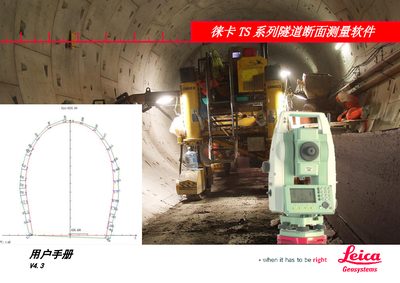
Leica Geosystems TS Series Tunnel Section Measurement Software User Manual V4.3
The document is a user manual for the Leica TS Series tunnel section measurement software (Version 4.3). It details the software's capabilities in organizing data, performing layout measurements such as overbreak/underbreak detection and cross-section scanning, and viewing results.
The guide covers installation procedures via LEICA FlexOffice or USB storage cards, general conventions for operation, and step-by-step workflows including route definition, design profile input, and data transmission. It also includes a section on post-processing software features. This manual is written in Chinese.
Covers: Overview · Software Installation · Route Definition · Layout Measurement · Result Viewing · Data Transmission
Latest Leica Geosystems manuals
Leica Geosystems TS Series Tunnel Section Measurement Software User Manual V4.3
User Manual 44 pages · 1.5 MB · ZHThis manual provides instructions for installing, operating, and using the Leica TS Series tunnel section measurement software on compatible total stations.
Which document do I need?
User Manual
Day-to-day operation, settings and troubleshooting. Start here if the product is already set up.
Questions answered in Leica Geosystems manuals
Which Leica TS series total stations are compatible with this software?
This software is designed for use with Leica TS02, TS06, and TS09 total stations that have non-prism (NP) ranging capabilities.
From: Leica Geosystems TS Series Tunnel Section Measurement Software User Manual V4.3
How long does the software upload process take via PC?
The program upload via PC takes approximately 30 minutes and requires the instrument and computer to remain powered on and connected.
From: Leica Geosystems TS Series Tunnel Section Measurement Software User Manual V4.3