
This is a manual for a game, which introduces the game play and operation methods
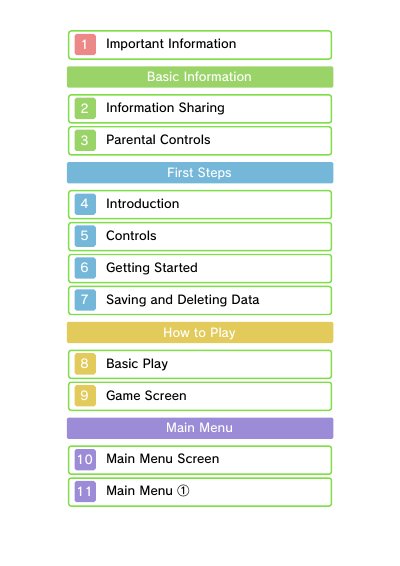
This manual provides instructions for the Disney Magical World software, designed for use on Nintendo 3DS and Nintendo 3DS XL systems. It covers essential topics such as getting started, controls, game screen navigation, and specific game features like the Café, My Room, and various worlds including Cinderella's World and Alice's World.
The document also details online functionality, including Local Play, Internet, StreetPass, and SpotPass, as well as the Magical AR feature which uses the system's camera to read AR Cards. It includes important information regarding parental controls, information sharing, and age ratings.
| Supported Systems | Nintendo 3DS and Nintendo 3DS XL |
|---|---|
| Supported Languages | English, German, French, Spanish, Italian |
| AR Feature | Uses system's camera to read AR Cards |
The software is designed for use on Nintendo 3DS and Nintendo 3DS XL systems.
The game supports English, German, French, Spanish, and Italian, depending on the system language setting.
You can access it from the Wireless Main Menu or My Room, then align your system's camera to read an AR Card.