
This document is about safety warnings when playing video games. It warns people about the risk of triggering seizures and provides recommendations to reduce the risk. Additionally, the document highlights the potential discomfort that may arise from prolonged gaming and provides advice to prevent related issues.
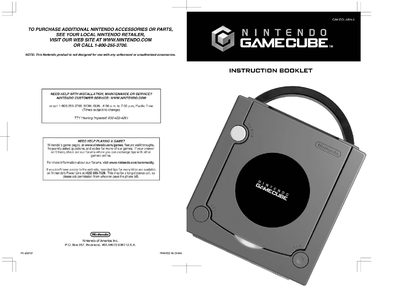
The manual begins with important health and safety information, warning about seizures, motion sickness, electric shock, and laser hazards, and gives recommendations for safe play breaks and proper handling of the console and accessories. It also lists the components of the system, including the power button, controller, memory card slots, and AC adapter.
Subsequent sections cover system setup (connecting the AC adapter, controller, and video cables), system operation (powering on, navigating the main menu, and using the various screens), troubleshooting, error messages, and warranty and service details. The guide also includes video‑game rating information and notes on compatible discs and accessories.
| Laser Type | Semiconductor laser |
|---|---|
| Laser Wavelength | 668nm (typ.) (658nm~678nm) |
| Laser Power | Max. 0.8mW |
| Numeric Aperture | 0.6 |
| DC Input Voltage | 12 V |
Use the included Stereo AV Cable and connect its audio/video plugs to the TV’s input connectors, then select the appropriate input on the TV.