
This document describes the official seal of Nintendo and provides information on what to look for when purchasing Nintendo products. The official seal is the assurance that the product is licensed or manufactured by Nintendo.
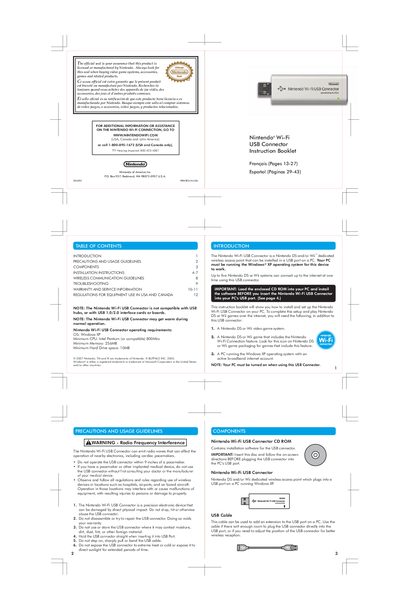
The Nintendo Wi‑Fi USB Connector is a dedicated wireless access point for Nintendo DS and Wii systems that plugs into a PC’s USB port running Windows XP. It allows up to five handheld consoles to connect to the Internet simultaneously.
This manual covers safety precautions, component description, step‑by‑step installation, wireless signal guidelines, troubleshooting tips, warranty and service details, and regulatory information for use in the United States and Canada.
| Minimum CPU | Intel Pentium (or compatible) 800 MHz |
|---|---|
| Minimum Memory | 256 MB |
| Minimum Hard Drive Space | 10 MB |
| USB Compatibility | Not compatible with USB hubs or USB 1.0/2.0 interface cards |
| Operating Temperature | May get warm during normal operation |
Up to five Nintendo DS or Wii systems can connect to the Internet simultaneously using the USB Connector.
Do not use a USB hub; connect the USB Connector directly to a USB 2.0 port on the PC.