
This document is the user manual for the Nintendo GameCube Modem Adapter.
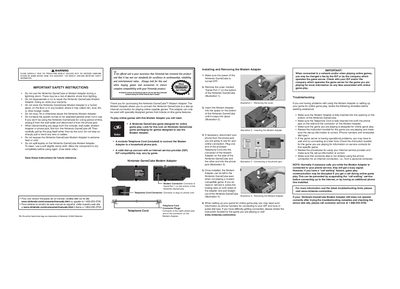
This manual explains how to install the GameCube Modem Adapter on the bottom serial port of the Nintendo GameCube, connect the supplied telephone cord to a standard RJ‑11 phone jack, and set up online gameplay. It includes step‑by‑step instructions, diagrams, and required accessories such as a dial‑up Internet account.
The booklet also covers important safety precautions, warranty information, FCC/Industry Canada compliance, and troubleshooting tips for common connection problems. Users are advised not to operate the adapter during lightning storms or to attempt repairs, as these actions can void the warranty.
| Ringer Equivalency Number (REN) | 0.0 |
|---|---|
| Overall trimmed size | 415.5 mm wide x 178 mm tall |
| Material | 60# gloss book |
Turn the GameCube off, remove the Serial Port 1 cover, insert the adapter until it snaps into place, and connect the telephone cord to the adapter and a wall jack.
Verify the adapter is fully inserted, the telephone cord is securely connected at both ends, and that the game you are playing supports online play.
No. Using the adapter during a lightning storm can cause electric shock and should be avoided.