
Nintendo GameCube Controller User Manual – Control Stick Neutral Position

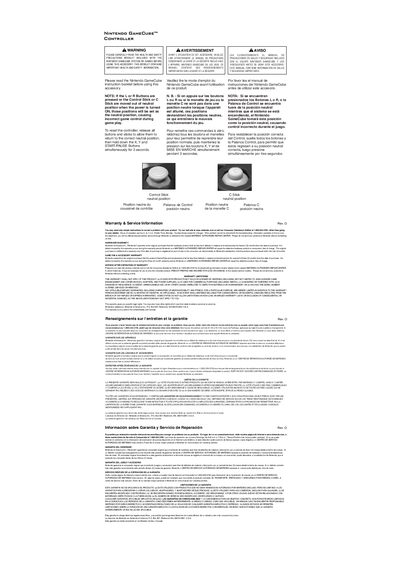
This document describes the neutral position of the Control Stick and C Stick of the Nintendo GameCube™ Controller

Nintendo GameCube Controller User Manual – Control Stick Neutral Position - cover page
Brand
Nintendo
Category
Video Game Consoles
Document type
User Manual
Language
English
Pages
1
File format
PDF
File size
38 KB
Published
20 March, 2012
Updated
30 September, 2023
MD5 checksum
CF42D63F05A43C01DD251B5390C9C41B

About this manual

The document provides safety and health precautions for using the Nintendo GameCube controller and describes the neutral positions for the control stick and C‑stick. It warns that if the sticks are out of neutral when the console powers on, that position will be saved as the neutral setting.

To reset the controller, release all buttons and sticks, then hold X, Y, and START for three seconds. The manual also includes hardware and accessory warranty information and instructions for service after warranty expiration.

What's inside

  • Control Stick neutral position
  • C Stick neutral position
  • Health and Safety Precautions
  • Resetting the controller
  • Hardware Warranty
  • Game Pak & Accessory Warranty
  • Service After Expiration of Warranty
  • Warranty Limitations

Frequently asked questions

How do I reset the control stick and C‑stick to neutral?

Release all buttons and sticks, then hold down the X, Y and START/PAUSE buttons simultaneously for 3 seconds.

Download PDF (38 KB)

More Nintendo Manuals


View all Nintendo manuals →