
This document is the manual of the Nintendo GameCube™ Broadband Adapter.
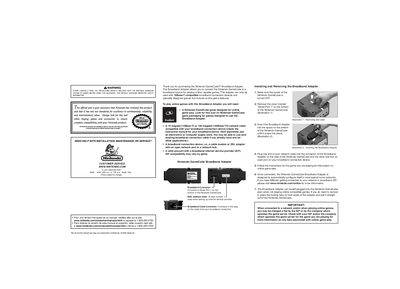
This manual explains how to install and remove the Nintendo GameCube Broadband Adapter, connect it to a compatible 10Base‑T or 100Base‑TX network, and configure it for online gaming. It also includes safety precautions, warranty information, and FCC/IC compliance details.
Additional sections cover troubleshooting common connection problems, warranty periods for hardware and accessories, and regulatory compliance for the United States and Canada. Contact information for Nintendo support is provided for further assistance.
| Overall trimmed size | 313.5 mm wide × 178 mm tall |
|---|---|
| Material | 60# gloss book |
| Supported network types | 10Base‑T and 100Base‑TX |
Turn off the GameCube, remove the cover marked "Serial Port 1" on the bottom, insert the adapter until it snaps into place, and connect a network cable to the adapter and your broadband device.
The adapter works with 10Base‑T (10 Mbps) and 100Base‑TX (100 Mbps) Ethernet connections.
Check that the adapter is fully inserted, the network cable is properly connected, the game supports online play, and verify your ISP settings; if problems persist, contact Nintendo support.