
Key facts
- Brand
- Nintendo
- Model
- 3DS
- Category
- Other Electronics
- Industry
- Computers
- Documents
- 5
- Languages
- ZH · EN · ES
- Last added
- 2026-10-15
Start here
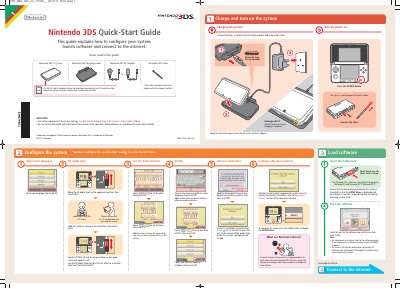
Nintendo 3DS Quick-Start Guide
This guide walks users through initial setup, including charging, language and date/time settings, 3D calibration, and internet connection. It also covers parental controls and software launching. Detailed steps for connecting to Wi-Fi via AOSS or WPS are provided.
Read onlineNintendo 3DS specifications
| Product Name | Nintendo 3DS |
|---|---|
| Copyright Year | 2012 |
| Included Stylus Model | CTR-004 |
Source: Nintendo 3DS User Manual
All Nintendo 3DS documents by type
Day-to-day operation, settings and troubleshooting. Start here if the product is already set up.
The shortest path to a working setup, usually only a few pages.
Questions answered in these manuals
What should parents read before allowing young children to use the device?
Parents or guardians should carefully read the 'Health Precautions' and 'Usage Precautions' sections before allowing young children to use the system.
From: Nintendo 3DS User Manual
Can DS/DSi software be played in 3D?
No, only software that corresponds to 3D can be displayed in 3D; DS/DSi software cannot be displayed in 3D.
From: Nintendo 3DS User Manual
How do I connect my Nintendo 3DS to the internet?
Connect via Wi-Fi using AOSS or WPS, or manually enter access point details and security key.
Can I use Nintendo DS software on the 3DS?
Yes, the Nintendo 3DS can use software designed for Nintendo 3DS and Nintendo DS™ / Nintendo DSi™.
What console versions is this game compatible with?
This program is only compatible with the European and Australian versions of the Nintendo 3DS console.
What happens if the console is not set to Spanish?
If the console is configured in a different language, the game's default language will be English.