
Nintendo GameCube Game Boy Player Instruction Booklet, introduces how to use Game Boy Player
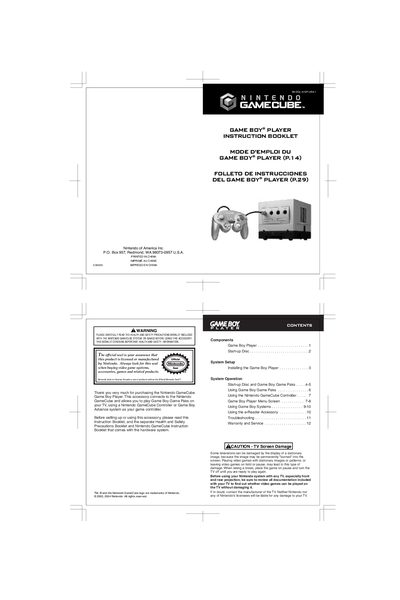
This manual explains how to install the Game Boy Player onto the bottom of a Nintendo GameCube, connect the high‑speed port, and load the start‑up disc. It also covers how to insert Game Boy Game Paks, use a GameCube controller or a Game Boy Advance as the controller, and navigate the on‑screen menu.
Additional sections provide troubleshooting tips, warranty information, and safety precautions. The booklet includes diagrams of the hardware, menu screen options, and guidance for using accessories such as the e‑Reader and multiplayer connections.
| Connector | High Speed Port Connector |
|---|---|
| Compatible Game Pak Types | Game Boy, Game Boy Color, Game Boy Advance |
| Controller Options | Nintendo GameCube controller or Game Boy Advance system |
Press the L and R buttons on the GameCube controller or Game Boy Advance system while the Game Boy logo is displayed.
Motion sensor (tilt), rumble, and infrared features are not functional when using the Game Boy Player.
Adjust the display quality in the menu; the issue is often due to differences in LCD or TV screen handling and is not a defect.