
This manual introduces the Nintendo Wi-Fi Connection usage method, including the method of using it at Internet hotspots and at home.
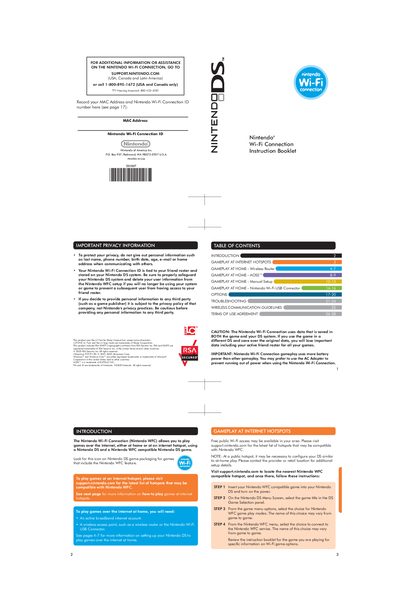
The Nintendo Wi‑Fi Connection Instruction Booklet provides step‑by‑step guidance for connecting a Nintendo DS to the internet via a wireless router, AOSS‑enabled router, manual setup, or the Nintendo Wi‑Fi USB Connector. It also includes information on using public hotspots and the Options screen for managing your Wi‑Fi ID and MAC address.
Key sections cover home wireless router setup, AOSS automatic configuration, manual network entry, USB connector installation, troubleshooting error codes, wireless signal guidelines, and the Terms of Use agreement. The booklet helps users configure, test, and maintain their Nintendo Wi‑Fi Connection safely and efficiently.
| Maximum DS connections via USB connector | 5 |
|---|---|
| Required PC operating system for USB connector | Windows XP or Windows Vista |
| Wireless router feature for automatic setup | AOSS button |
| Broadband internet account required | Yes |
Up to five DS systems can connect simultaneously.
It works with Windows XP or Windows Vista.
Select Options → Erase Nintendo WFC Configuration to delete your ID, settings, and friend roster.
It means you can select that connection and test it without any additional steps.