
Newland NLS-HR52 Wireless 2D Barcode Scanner User Manual

This is the user manual of NLS-HR52 wireless 2D barcode scanner, which mainly introduces the scanner's features, usage methods, maintenance and maintenance.
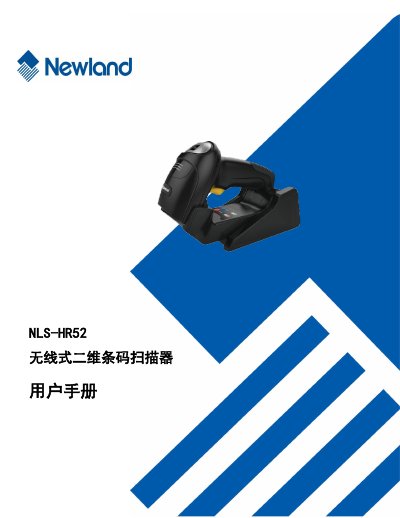

Newland NLS-HR52 Wireless 2D Barcode Scanner User Manual - cover page
Brand
Newland
Category
Other Electronics
Document type
User Manual
Language
Chinese
Pages
300
File format
PDF
File size
5.7 MB
Published
12 October, 2023
Updated
12 October, 2023
MD5 checksum
E6F4DCCC2645DAAD6FE533ABC7D03923

About this manual

This manual provides instructions for the Newland NLS-HR52 wireless 2D barcode scanner. It includes an introduction to the device, its appearance, and how to open the package. The guide details the physical features of the scanner and its base station, as well as various communication modes including USB, RS-232, and PS/2 connections. This manual is written in Chinese.

What's inside

  • Introduction
  • Device Appearance
  • Communication Modes
  • System Settings
  • RS-232 Communication
  • USB Communication
  • Wireless Function Settings
  • Barcode Parameter Settings

Frequently asked questions

What is the maximum number of keys on the US keyboard layout supported by this scanner?

The scanner supports a 104-key US keyboard layout.

What is the maximum number of keys on the European keyboard layout supported by this scanner?

The scanner supports a 105-key European keyboard layout.

Download PDF (5.7 MB)

More Newland Manuals


View all Newland manuals →