
KP180 Studio is a webcam application for Windows and Mac. It features auto-detect function and control panel to assist users in auto-focusing and framing objects.
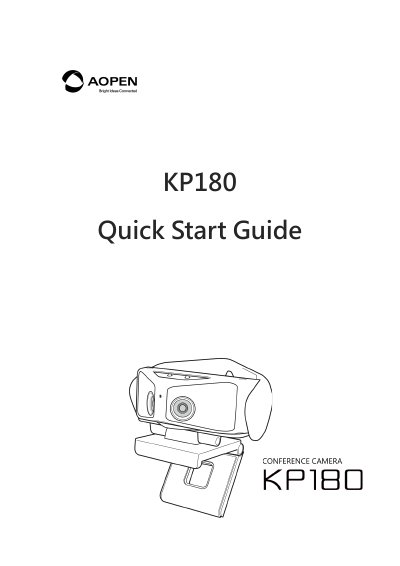
This document serves as a quick start guide for the AOPEN KP180 Studio application. It provides step-by-step instructions for downloading and installing the software on Windows and Mac systems via the official AOPEN website or product information page.
The guide details how to operate the application, including using the control area for framing participants, managing auto-detect and tracking features, adjusting display layouts (Compose, Focus, Grid, Picture in Picture), and configuring effect options like lighting sources and advanced camera settings such as EV adjustment and noise reduction.
Visit the AOPEN Download page, select 'Webcam' under Select a product, and choose 'KP180' under Select a model to find the Windows or Mac versions.
Click on the button selector named 'Auto-detect' in the control panel.
Select 'Custom' in Effect options, then choose 'Advanced setting' to manually control the 3DNR (Noise Reduction) adjustment.