
The AOpen XC CubeAV user manual provides hardware assembly, software installation, and usage instructions for the mini PC system.
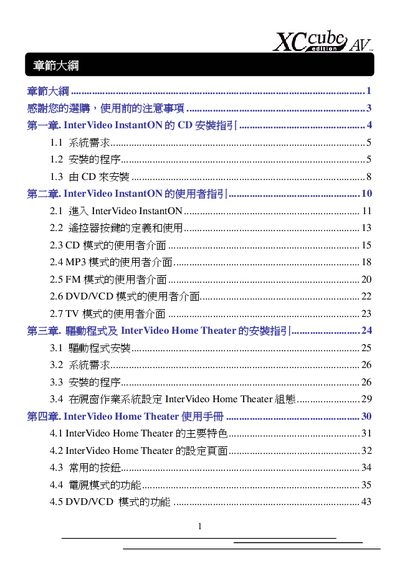
This manual covers the complete setup of the AOpen XC CubeAV mini‑system, including hardware preparation, component installation, and BIOS configuration. It guides users through installing InterVideo InstantON and Home Theater software, configuring language and region settings, and troubleshooting common installation errors.
The document also details the system specifications such as supported CPUs, memory modules, voltage ranges, and SATA connections, and provides step‑by‑step instructions for clearing CMOS, adjusting fan connectors, and final power‑on procedures. This manual is written in Chinese.
| CPU core voltage range | 1.1 V to 1.85 V |
|---|---|
| Minimum hard‑disk space for InstantON | 100 MB of unpartitioned space |
| Serial ATA connectors | Two SATA ports |
The installation needs at least 100 MB of unallocated hard‑disk space.
Enter the BIOS, navigate to Advanced BIOS Features, set the First Boot Device to CD‑ROM, then save and exit.