
Step‑by‑step guide for assembling the AOpen BareSystem, covering tools, component installation, and final verification.
This manual explains how to build an AOpen BareSystem computer from start to finish. It is written for beginners and provides clear instructions, safety warnings, and illustrated diagrams for each assembly step.
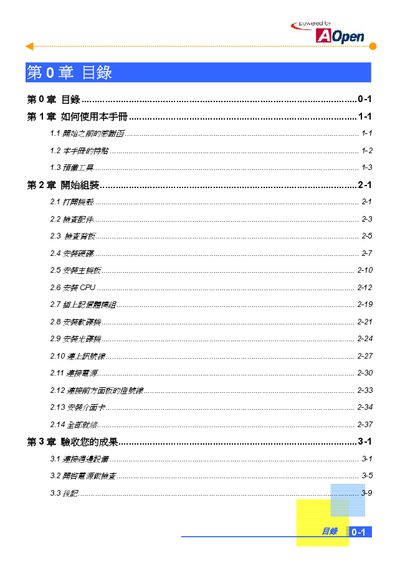
The guide covers required tools, opening the case, checking parts, installing the hard drive, motherboard, CPU, memory, floppy and optical drives, connecting cables and power, attaching the front‑panel LEDs, installing expansion cards, and performing the final acceptance test. This manual is written in Chinese.
| Case Form Factor | Micro ATX |
|---|---|
| Power Supply Options | 145W/180W |
| Regulatory Standards | FCC Class B / DoC and CE |
| Supported Case Series | MT85 / HQ85 |
When prompted, press "Y" and then Enter, then move the cursor to "Save & Exit Setup" and press Enter again.
The BareSystem uses a Micro ATX case and is compatible with the MT85 / HQ85 series cases.