
This document is a user manual that introduces the Olympus digital camera, including preparations, shooting, playback, menu functions, connecting to a smartphone and computer or printer, as well as precautions and safety instructions. It is recommended to take a few test shots before shooting important photos to familiarize yourself with the camera's performance.
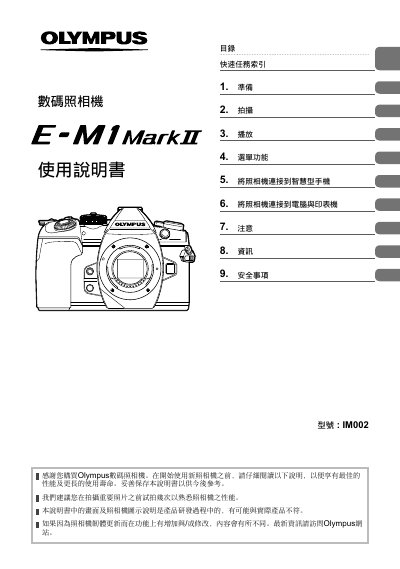
This document is the user manual for the Olympus IM002 digital camera. It guides users through the initial setup, including charging the battery, inserting the memory card, and attaching the lens. The manual details various shooting modes such as Program, Aperture Priority, Shutter Priority, and Manual, as well as special features like Pro Capture and HDR. This manual is written in Chinese.
The model number of this digital camera is IM002.
You should read the instructions carefully before using the new camera.
It is recommended to take a few test shots to familiarize yourself with the camera's performance.