
Olympus IM006 Digital Camera User Manual

This document is a user manual that introduces the preparation, shooting, playback, menu functions, etc. of Olympus digital cameras, and provides methods for connecting to smartphones and computers/printers.
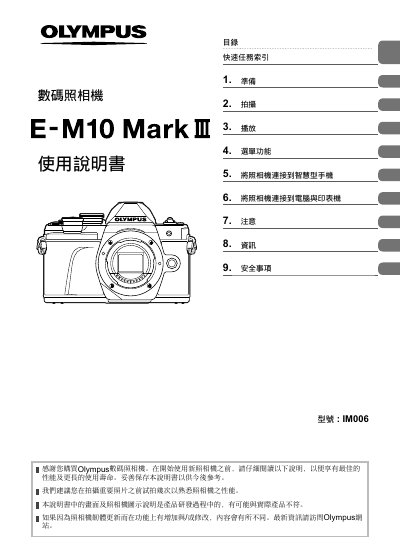

Olympus IM006 Digital Camera User Manual - cover page
Brand
Olympus
Category
Digital cameras
Document type
User Manual
Language
Chinese
Pages
163
File format
PDF
File size
4.4 MB
Published
30 December, 2022
Updated
28 September, 2023
MD5 checksum
CA43A8ECB1927C3D1243D602328739B2

About this manual

This user guide covers the complete operation of the Olympus IM006 digital camera. It details how to prepare the device by installing batteries and memory cards, as well as attaching the lens. The manual explains various shooting modes including Auto (CHT), Scene (SCN), Advanced Photo (Z), and Art Filter (ART) modes. This manual is written in Chinese.

What's inside

  • Preparation
  • Shooting
  • Playback
  • Menu Functions
  • Connecting to Smartphone
  • Connecting to Computer & Printer
  • Notes
  • Specifications

Frequently asked questions

What is the Olympus IM006?

The Olympus IM006 is a digital camera.

What should I do before using the camera?

Read the manual carefully before starting to use the new camera.

Is the information in the manual guaranteed to match the actual product?

The illustrations and diagrams in the manual may not match the actual product.

Download PDF (4.4 MB)

More Olympus Manuals


View all Olympus manuals →