
The Extech EN510 Environmental Meter is a professional environmental meter with a programming menu for user customization. It can measure air velocity, air temperature, air flow, light intensity, relative humidity, dew point temperature, wet bulb temperature, type K temperature, heat index temperature, and wind chill temperature. It features a low-friction ball bearing mounted vane wheel for high accuracy low air velocity measurements and a built-in barometric sensor for precise atmospheric pressure measurements. This instrument is shipped fully tested and calibrated and, with proper use, will provide years of reliable service.
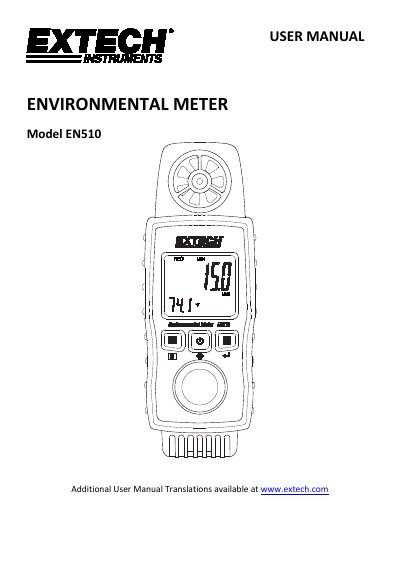
The Extech EN510 is a professional environmental meter designed to measure multiple parameters including air velocity with air temperature, relative humidity, dew point, wind chill, heat index, light intensity, and Type K temperature. The device features a backlit LCD that automatically reverses orientation based on the selected sensor mode for easier viewing in various conditions.
| Power Supply | 3 x 1.5V AAA batteries |
|---|---|
| Weight | 160g (5.6oz) |
| Dimensions | 153x 58x 25mm |
| Operating Humidity | 80% RH Max |
| Operating Temperature | 0 to 50 °C (32 to 122° F) |
| Air Velocity Range | 80 to 3937 ft/min |
The meter automatically switches off after approximately 10 minutes of inactivity.
The device is powered by three (3) 1.5V 'AAA' batteries.
Yes, you can press and hold the R button until 'Unit' appears to cycle through available units.