
This document describes the features and functions of Extech's digital psychrometer RH300, including measuring relative humidity, air temperature, and dew point temperature. It can also measure temperature through an external probe. It also has functions such as data hold, auto power off, and MIN/MAX recording.
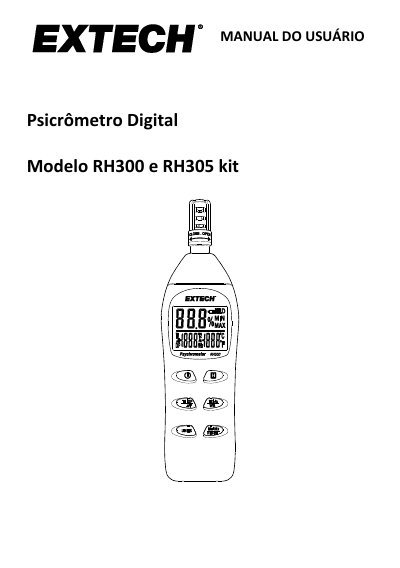
This manual provides instructions for the Extech RH300 digital psychrometer, a device designed to measure relative humidity, air temperature, and external probe temperature. It details the use of internal and optional external sensors to calculate dew point and wet bulb temperature. Key features include data retention, auto power-off, and min/max recording capabilities. This manual is written in Portuguese.
| Humidity Range | 0.0 to 100.0 % UR |
|---|---|
| Humidity Accuracy | ±3 % UR (10 to 90 %) @ 23 °C |
| Internal Temperature Range | -20 to 50 °C (-4,0 to 122,0 °F) |
| External Probe Temperature Range | -20 to 70 °C (-4,0 to 158,0 °F) |
| Response Time | 60 seconds typically |
| Power Source | 2 x 1.5 V 'AAA' batteries |
| Battery Life | Approx. 80 hours |
| Dimensions | 178.5 x 48.8 x 25.2 mm |
The HLD icon appears on the display when the data hold function is active, freezing the current reading.
Press and hold the MnMx/Reset button until all characters on the display light up.
ER1 indicates a failure in the relative humidity measurement, and the meter should be repaired or replaced.