
This document describes the features and functions of Extech's digital hygrometer RH300, including measuring relative humidity, air temperature, and dew point temperature.
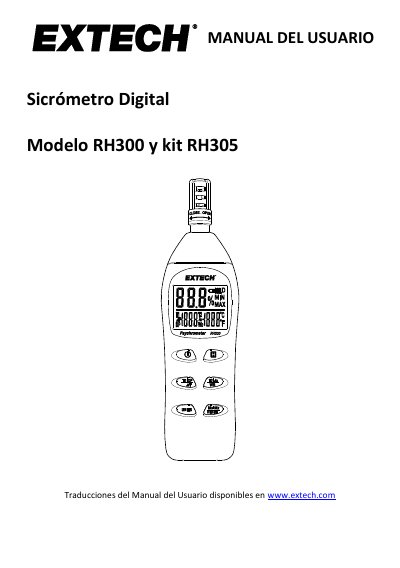
The document provides instructions for using the Extech RH300 digital hygrometer to measure relative humidity, air temperature (T1), and external temperature (T2) via an optional TP890 sensor. It details how to operate the device's buttons to switch between various readings such as dew point and wet bulb temperature. This manual is written in Spanish.
| Battery Type | 2 x 1.5 'AAA' |
|---|---|
| Auto Power Off Default Time | 10 minutes |
Insert the sensor into a reference bottle (33% or 75%), turn on the unit while holding the UNITS button, and follow the on-screen flashing instructions.
It indicates a failure in the relative humidity measurement, requiring repair or replacement of the device.