
This document provides important safety instructions and a quick start guide for AOPEN LCD monitors, including cleaning, storage temperature, and maintenance precautions. It also provides steps for connecting the monitor to the base and the computer. The functions of the control panel are also explained.
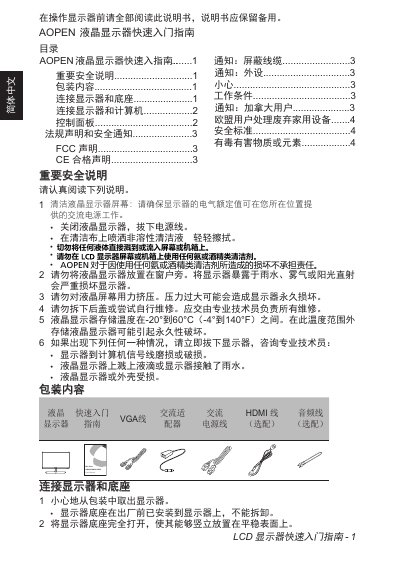
This document is a Quick Start Guide for the AOPEN ML2 Series LCD monitors, specifically models 22ML2Q, 24ML2Y, and 27ML2. It provides essential safety warnings regarding cleaning, storage, and repair, along with a list of included accessories.
The guide details the physical setup process, including attaching the stand and connecting the monitor to a computer via VGA or HDMI cables. It also explains how to use the On-Screen Display (OSD) menu buttons to adjust settings such as brightness, volume, and input sources, and mentions support for FreeSync technology. This manual is written in Chinese.
| Product Series | ML2 Series |
|---|---|
| Storage Temperature | -20° to 60°C (-4° to 140°F) |
| Technology Support | FreeSync |
Do not use any ammonia or alcohol-based cleaners on the LCD monitor screen or chassis.
No, the monitor stand is installed at the factory and cannot be removed.
Pressing the power button once turns the monitor on or off.