
This document provides a user guide for Zebra barcode printer desktop printer by Zebra Technologies Corporation, including part number, ownership statement, product improvement, FCC compliance statement, disclaimer, trademark statement, copyright statement, electrical hazard, etc.
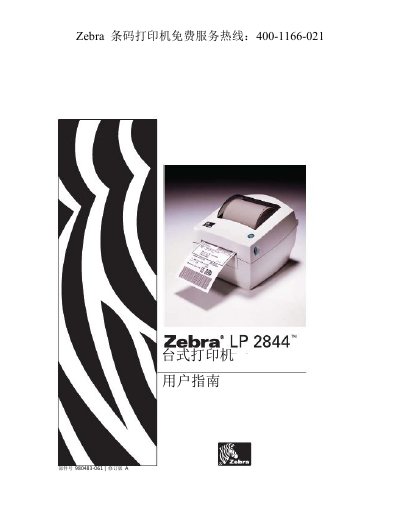
The document serves as a comprehensive user manual for the Zebra LP2844 desktop printer. It details the contents of the shipping package, provides instructions on opening and closing the device, and explains how to load media and operate various controls including the feed button and status indicators.
The guide covers essential operational procedures such as connecting power and computers via USB, parallel, Ethernet, or serial interfaces. It also includes sections on adjusting print width and quality, performing maintenance tasks like cleaning the print head and rollers, and troubleshooting common printing issues. This manual is written in Chinese.
It is a high-quality thermal transfer printer that can perform direct thermal printing.
The default settings are 9600 baud, 8 data bits, 1 stop bit, and no parity.
This interface requires an RJ-45 straight-through cable.