
This document is the user manual for the BTP-2100E label printer from Shandong Xinbeiyang Information Technology Co., Ltd. It introduces the overview, main features, technical specifications, appearance and components, communication interfaces, installation methods, printer adjustment, daily maintenance, and troubleshooting methods of the printer.
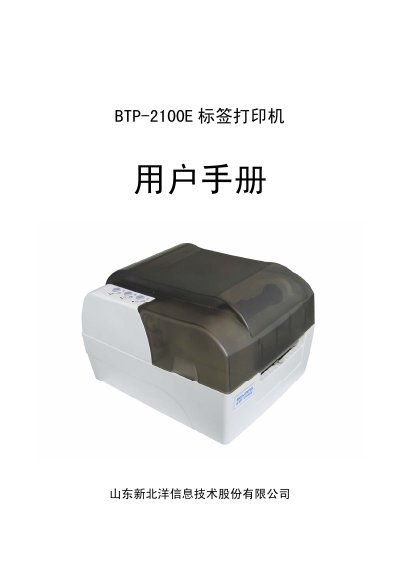
The Newland BTP-2100E is a high-performance thermal transfer and direct thermal label printer designed for office, logistics, and industrial applications. It features a 32-bit RISC microprocessor, supports various paper types including continuous and non-continuous media, and offers connectivity via RS-232, parallel, USB, or Ethernet interfaces. This manual is written in Chinese.
| Resolution | 203 DPI / 300 DPI |
|---|---|
| Print Method | Thermal Transfer/Direct Thermal |
| Max Print Width | 108 mm / 106 mm |
| Max Print Speed | 125 mm/s / 75 mm/s |
| CPU | 32-bit RISC Microprocessor |
| Memory (SDRAM) | 2 MB |
| Power Input | AC 110-240V, 50/60Hz |
| Operating Temperature | +5 to +45 C |
| Dimensions | 300 x 252 x 190 mm |
| Weight | Approx. 3.5 Kg |
The printer supports RS-232 serial, Centronics parallel, USB, and Ethernet interfaces.
It supports continuous paper, label paper, perforated paper, and marked paper.
Press the 'O' button to power off and the '-' button to power on.