
User manual of Philips 232EL2 monitor, introduces the safety measures, setup, product information, technical specifications, regulations, customer service and warranty, troubleshooting and FAQs of the monitor.
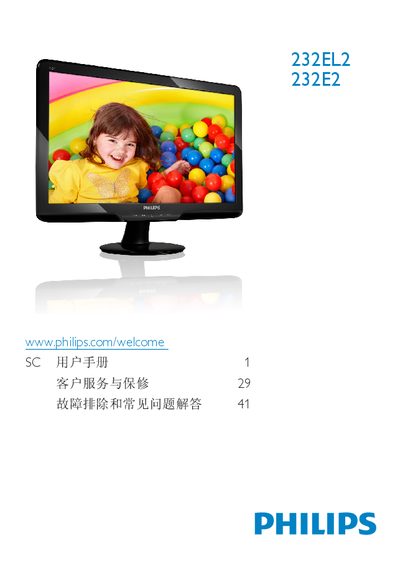
This user manual covers the Philips 232EL2 and 232E2 monitors, providing essential information for safe operation and setup. It includes instructions for installing the stand, connecting the monitor to a computer, and navigating the On-Screen Display (OSD) menu to adjust settings such as brightness, contrast, and input sources. The document also details the removal of the base and stand for transport or VESA mounting. This manual is written in Chinese.
| Panel Type | TFT-LCD |
|---|---|
| Backlight | CCFL (232E2), LED (232EL2) |
| Screen Size | 23 inch |
| Aspect Ratio | 16:9 |
| Best Resolution | 1920 x 1080 @ 60Hz |
| Response Time | 5 ms |
| Viewing Angle | 176° (H) / 170° (V) |
| VESA Mount | 100 x 100mm |
The monitor achieves best performance at a native resolution of 1920 x 1080 @ 60Hz.
Yes, the monitor supports a 100mm x 100mm VESA standard interface for mounting.
The OSD supports English, French, German, Italian, Russian, Spanish, Simplified Chinese, Portuguese, and Turkish.