
This is a user manual that introduces the usage of Boss BR-1180 Digital Recording Studio
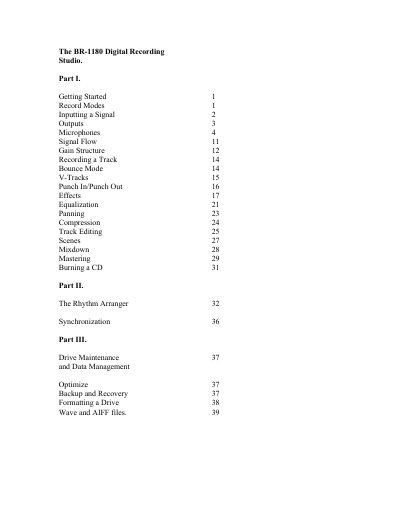
This manual provides instructions for the Boss BR-1180 Digital Recording Studio, designed for aspiring songwriters and musicians to record, mix, and master music. It covers basic navigation, recording modes such as LIN, MT1, MT2, LV1, and LV2, and detailed input/output connections including LINE IN, XLR, MIC, and GUITAR/BASS jacks.
| Total tracking time (LIN mode) | approximately 60 hours |
|---|---|
| Audio resolution (LIN mode) | 16 bit |
| Phantom power | supplied through XLR inputs |
| Digital output format | 2 channel SPDIF Optical |
There are 5 different record modes: LIN (linear), MT 1 (Multitrack 1), MT2 (Multitrack 2), LV1 (Live 1), and LV2 (Live 2).
Press UTILITY, cursor to 'System' and press ENTER, then cursor to 'Phantom', rotate the VALUE wheel to 'On', and press EXIT twice.