
Panasonic AW-EX500N Signal Converter User Manual

AW-EX500N Signal Converter Instructions
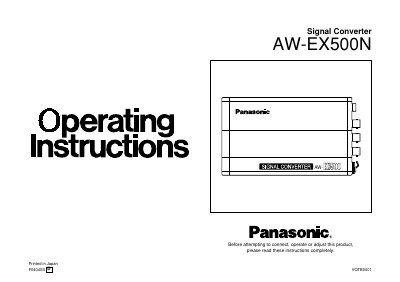

Panasonic AW-EX500N Signal Converter User Manual - cover page
Brand
Panasonic
Category
Other Electronics
Document type
User Manual
Language
English
Pages
20
File format
PDF
File size
283 KB
Published
09 August, 2012
Updated
30 September, 2023
MD5 checksum
339644B2FB0C7679B5CECEC8FC573A9F

About this manual

The Panasonic AW-EX500N is a signal converter designed to convert analog composite, analog Y/C, analog component, and SDI input signals into analog composite, analog Y/C, analog component, and analog RGB output signals. It supports various optional cards, including the AW-PB302 RGB Card, AW-PB304 SDI Card, and AW-PB307 SVGA Card, to expand functionality.

What's inside

  • Introduction
  • Precautions for use
  • Major operating controls and their functions
  • Connections
  • Analog signal input
  • SDI signal input
  • Attaching the rubber feet
  • Standard accessories
  • Specifications

Specifications

Output Signalsanalog composite, analog Y/C, analog component and analog RGB
SDI StandardSMPTE259M standard, 270Mbps
Power SupplyDC 12V (2A or more)

Frequently asked questions

What is the operating temperature range?

The unit should be used between 14°F (-10°C) and 113°F (+45°C).

Can the AW-EX500 output normal signals if no input is supplied?

No, it cannot output normal signals if no signals are supplied to it because it generates sync signals internally based on the input.

Download PDF (283 KB)

More Panasonic Manuals


View all Panasonic manuals →