
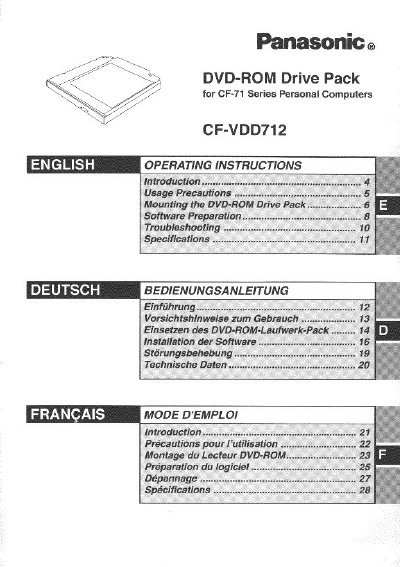
Panasonic CF-VDD712 DVD-ROM Drive Pack Operating Instructions


Panasonic CF-VDD712 DVD-ROM Drive Pack Operating Instructions - cover page
Brand
Panasonic
Category
Other Computer Accessories
Document type
User Manual
Language
English
Pages
32
File format
PDF
File size
783 KB
Published
08 August, 2012
Updated
20 August, 2012
MD5 checksum
D33645DFD897C5D44DCD25175CF406BF

About this manual

This manual provides operating instructions for the Panasonic CF-VDD712 DVD-ROM Drive Pack, which is designed for use with CF-71 Series Personal Computers. When mounted in the multimedia pocket of the computer, the product functions as an internal DVD-ROM drive, replacing a floppy disk drive.

What's inside

  • Introduction
  • Usage Precautions
  • Mounting the DVD-ROM Drive Pack
  • Software Preparation
  • Troubleshooting
  • Specifications

Frequently asked questions

What happens if I use controls or adjustments other than those specified in the manual?

Using unauthorized controls, adjustments, or procedures may result in hazardous radiation exposure.

What is the maximum number of times I should clean a disc with a CD cleaner?

It is recommended to clean the disc using a CD cleaner once every 2 or 3 months.

What type of cable must be used when connecting the device to a computer?

You must use only shielded interface cables when connecting to a computer or peripheral.

Download PDF (783 KB)

More Panasonic Manuals


View all Panasonic manuals →