
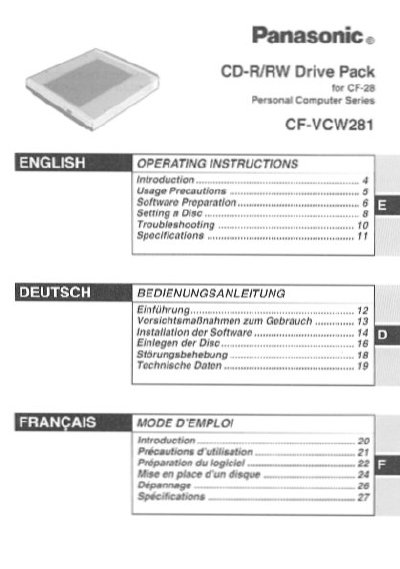
This document provides operating instructions for the Panasonic CF-VCW281 CD-R/RW Drive Pack designed for the CF-28 Personal Computer Series. It includes safety warnings regarding laser radiation and installation guidelines for the Multimedia Pocket Store.
The manual details usage precautions to maintain drive performance, such as avoiding dust on the lens and not exposing the unit to smoke or oily environments. It also covers software preparation steps for Windows 98, NT Workstation, and 2000 Professional, including specific configurations for MS-DOS mode.
| Interface Standard | EIDE (ATAPI) |
|---|---|
| Dimensions | 130 mm x 150 mm x 23.7 mm |
| Weight | Approximately 365 g |
No, when the CD-R/RW Drive Pack is installed, you should not use an external CD-ROM drive.
The drive supports CD-Audio, CD-ROM, CD-R, Photo CD, CD Video, Enhanced Music CD, CD-RW, and CD-TEXT.