
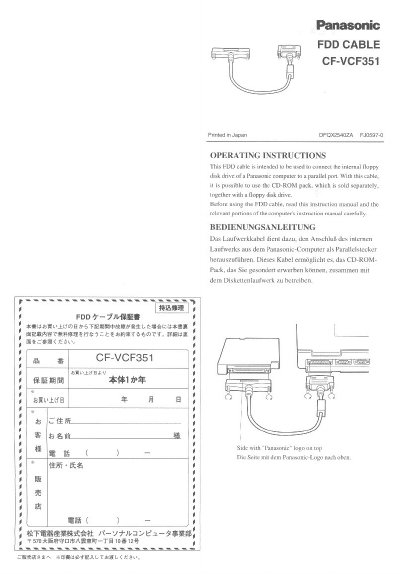
Panasonic CF-VCF351 FDD Cable Operating Instructions


Panasonic CF-VCF351 FDD Cable Operating Instructions - cover page
Brand
Panasonic
Category
Other Computer Accessories
Document type
User Manual
Language
English
Pages
4
File format
PDF
File size
298 KB
Published
08 August, 2012
Updated
20 August, 2012
MD5 checksum
3D3308D40A327E9F78B303213243D875

About this manual

This document provides operating instructions and warranty details for the Panasonic CF-VCF351 FDD cable. It explains how to connect the cable between a computer's parallel port and a floppy disk drive, along with safety precautions regarding terminal handling and drive removal.

What's inside

  • FDD Cable
  • Operating Instructions
  • Warranty
  • After-sales Service
  • Technical Specifications
  • Safety Precautions
  • Connection Procedure
  • Maintenance

Specifications

Floppy disk drive side connector160-pin
DimensionsApprox. 97 x 370 x 19 mm
WeightApprox. 160 g

Frequently asked questions

What is the warranty period for this cable?

The warranty period is one year from the date of purchase.

Where should I go for repair consultation?

You should first contact the store where you purchased the product.

Is this warranty valid outside Japan?

No, this warranty is valid only within Japan.

Download PDF (298 KB)

More Panasonic Manuals


View all Panasonic manuals →