
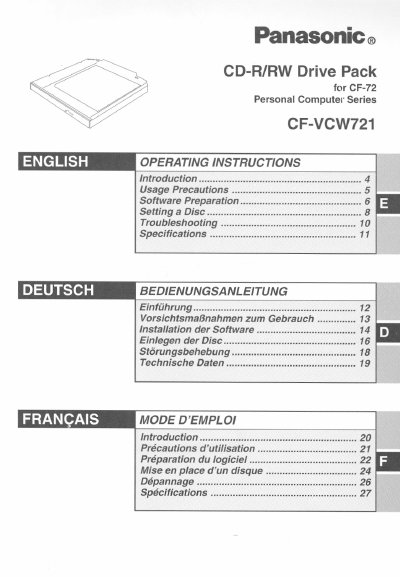
This manual provides operating instructions for the Panasonic CF-VCW721 CD-R/RW Drive Pack, which connects to the computer through the Multimedia Pocket. It covers usage precautions, software preparation, and disc handling procedures.
The document details how to install and remove the drive pack safely, ensuring the computer is turned off before installation or removal. It also includes specific steps for setting up the drive in MS-DOS mode and installing included application software like Easy CD Creator.
Using controls or performing procedures other than those specified may result in hazardous radiation exposure.
You must turn the computer off before installing or removing the CD-R/RW Drive Pack.
Cleaning the disc using a disc cleaner is recommended once every 2 or 3 months.