
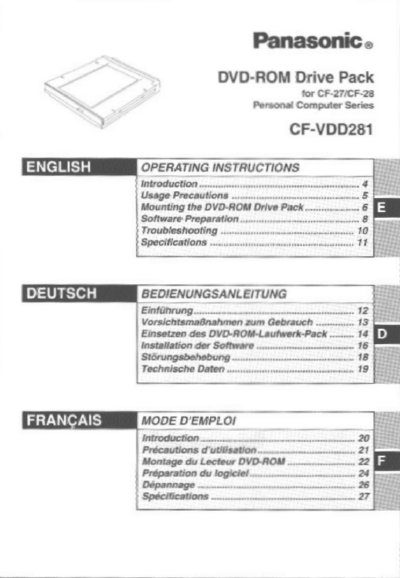
This manual provides operating instructions for the Panasonic CF-VDD281 DVD-ROM Drive Pack, designed specifically for the Panasonic CF-27 and CF-28 notebook computer series. The device connects to the computer through the Multimedia Pocket (MP) slot.
The document details usage precautions regarding laser safety and disc handling, step-by-step mounting and removal procedures, and software preparation steps for Windows 95/98/NT/2000 and MS-DOS modes.
| DVD-ROM Speed | 8x (max.) |
|---|---|
| CD-ROM Speed | 24x/20x (max.) |
| DVD Capacity | 4.7 Go(DVD-5), 8.5 Go(DVD-9) |
| CD Capacity | 656 Mo |
| Interface Standard | EIDE (ATAPI) |
| Dimensions | 130 mm x 150 mm x 23.7 mm |
| Weight | Environ 400 g |
This DVD-ROM Drive Pack connects to the Panasonic CF-27 and CF-28 notebook computer series.
Place the disc with the label facing upward in the drive and push down until the center holder clicks.
Opening the DVD-ROM drive or moving the computer while it is being accessed could cause it to malfunction.