
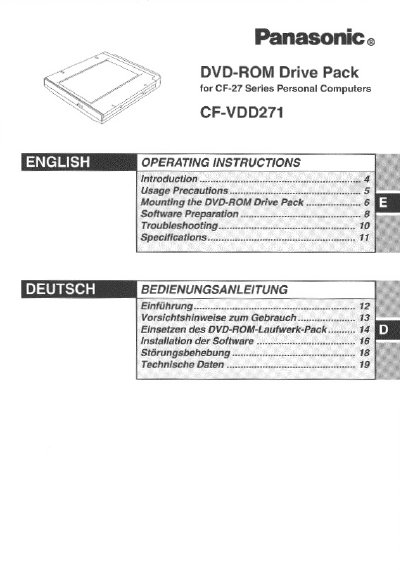
This document provides operating instructions for the Panasonic CF-VDD271 DVD-ROM Drive Pack, designed for use with the CF-27 Series Personal Computers. When mounted in the multimedia pocket of the computer, it functions as an internal DVD-ROM drive. The manual covers usage precautions, mounting procedures, and software preparation steps.
| DVD-ROM Speed | 2x DVD-ROM / 20x max CD-ROM |
|---|---|
| DVD Data Capacity | 4.7GB (DVD-5), 8.5GB (DVD-9), 9.4GB (DVD-10) |
| Access Time (DVD) | 280 ms |
| Supported Formats | DVD-5, DVD-9, DVD-10, DVD-R |
| Cache Memory | 512 KB |
| Interface | ATAPI |
| Dimensions | 130 mm x 150 mm x 23.7 mm |
| Weight | Ca. 400 g |
Yes, you can use the floppy disk drive as an external unit connected through the parallel port by using an optional FDD cable (CF-VCF271).
Do not remove or change the multimedia pocket device in suspend or hibernation mode, as doing so may damage the device.