
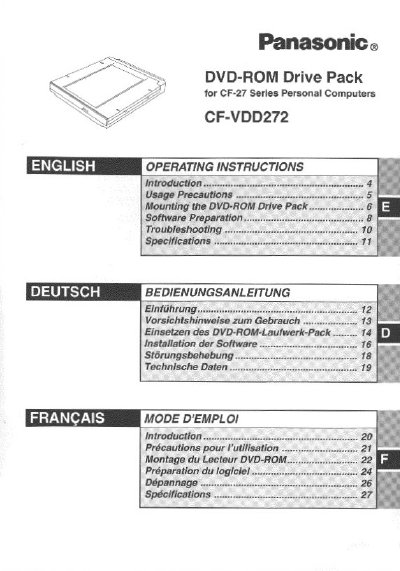
This manual provides operating instructions for the Panasonic CF-VDD272 DVD-ROM Drive Pack, an accessory for the CF-27 Series Personal Computers. When mounted in the multimedia pocket of the computer, it functions as an internal DVD-ROM drive, replacing a floppy disk drive.
The document covers usage precautions to ensure proper operation and longevity of the optical lens, detailed steps for mounting the device by removing the existing floppy drive cover, and software preparation required for Windows 95/98/NT environments. It also includes troubleshooting tips and technical specifications.
| Access Time (DVD) | 280 ms |
|---|---|
| Data Capacity (DVD-5) | 4.7 GB |
| Cache Memory | 512 KB |
| Interface Standard | EIDE (ATAPI) |
| Dimensions | 130 x 150 x 23.7 mm |
The drive is compatible with Microsoft Windows 95, Windows 98, and Windows NT Workstation Version 4.0.
The unit measures 130 mm in width, 150 mm in depth, and 23.7 mm in height.
The drive operates between 5 °C and 435 °C with humidity levels from 30% to 80% HR.