
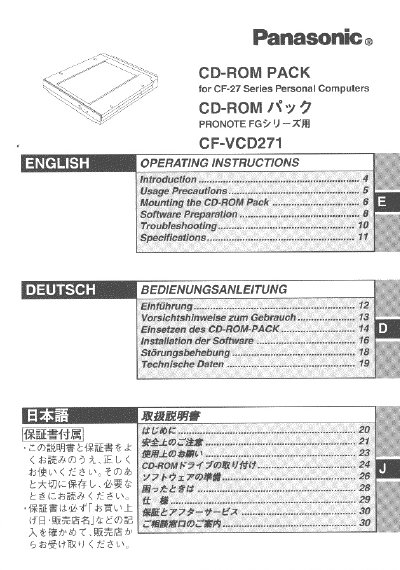
Panasonic CF-VCD271 CD-ROM Pack Operating Instructions


Panasonic CF-VCD271 CD-ROM Pack Operating Instructions - cover page
Brand
Panasonic
Category
Other Computer Accessories
Document type
User Manual
Language
English
Pages
32
File format
PDF
File size
725 KB
Published
08 August, 2012
Updated
20 August, 2012
MD5 checksum
05E267A642D2EBEC2A867A4315FFAAAD

About this manual

This document provides operating instructions for the Panasonic CF-VCD271, a CD-ROM pack that functions as an internal CD-ROM drive when mounted in the multimedia pocket of CF-27 Series Personal Computers. The manual covers usage precautions, installation steps, software preparation, and troubleshooting.

The guide details how to remove the existing floppy disk drive and install the new unit, including specific instructions for handling the device and inserting CDs. It also explains the necessary system settings required in Windows or MS-DOS mode to ensure proper operation of the drive.

What's inside

  • Introduction
  • Usage Precautions
  • Mounting the CD-ROM Pack
  • Software Preparation
  • Troubleshooting

Frequently asked questions

What happens if I use controls or adjustments other than those specified in the manual?

Doing so may result in hazardous radiation exposure.

What is the function of the CD-ROM pack when mounted in the multimedia pocket?

It functions as an internal CD-ROM drive.

How often is it recommended to clean the CD using a CD disk cleaner?

It is recommended once every 2 or 3 months.

Download PDF (725 KB)

More Panasonic Manuals


View all Panasonic manuals →