
This is the operating instructions for Panasonic CF-VCBP12AU battery charger.
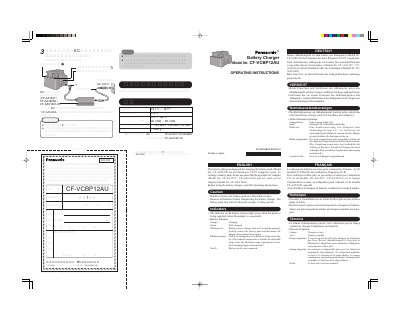
This document provides operating instructions for the Panasonic CF-VCBP12AU battery charger. It details how to insert battery packs (Model No. CF-VZ8U22), connect AC or car adaptors, and interpret indicator lights for charging status and errors.
The manual includes safety precautions, such as ensuring the device is on a flat surface during battery insertion/removal and removing batteries before transport. It also lists technical specifications including input voltage, current capacity, operating temperature range, dimensions, and weight.
| Input Voltage | 15.1 V - 16 V |
|---|---|
| Current Capacity | 2.5 A |
| Operating Temperature | -5 C to 35 C |
| Dimensions (WxDxH) | Approx. 123 mm x 124mm x 97 mm |
| Weight | Approx. 650g |
The charging time is approximately 2 hours.
Green indicates fully-charged, orange means charging, blinking red suggests a malfunction, and blinking orange indicates a temperature violation.
No, you must only use the specified AC Adaptor (Model No. CF-AA1527 / CF-AA1623A) or Car Adaptor (Model No. CF-AAV1601).