
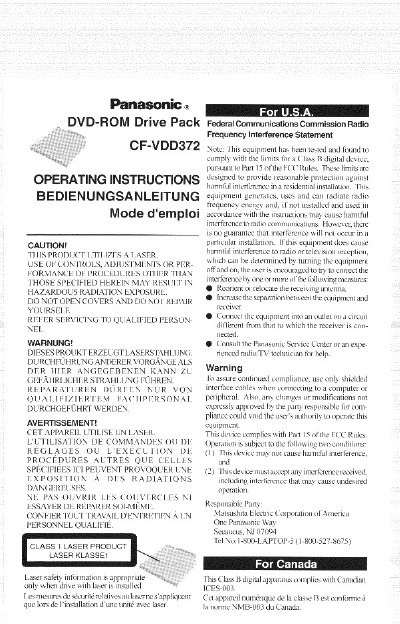
This document provides operating instructions for the Panasonic CF-VDD372 DVD-ROM Drive Pack, designed to be mounted in the multimedia pocket of Panasonic CF-37 series notebook computers. When installed, it functions as an internal DVD-ROM drive.
The manual includes specific setup notes for Windows 98 and Windows 2000 Professional operating systems, such as driver requirements for ZV cards and region code settings (Region 1 or 2 depending on the model suffix). It also details supplementary instructions for models CF-37VB and CF-37LB regarding power-saving modes.
| Interface | Enhanced IDE (ATAPI) |
|---|---|
| Data Capacity (DVD-5) | 4.7 GB |
| Max DVD Speed | 8x |
| Max CD Speed | 24x |
| Cache Memory | 512 KB |
| Dimensions | 129.5 mm x 148 mm x 15 mm |
| Weight | Approx. 350 g |
The region code is set to '1'.
The region code is set to '2'.
Yes, an SMI VPM driver is required to play DVD-Video or MPEG files.