
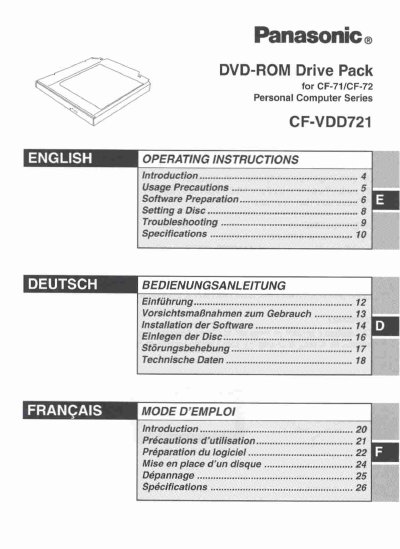
This manual provides operating instructions for the Panasonic CF-VDD721M DVD-ROM Drive Pack, designed specifically for the Panasonic CF-71/CF-72 Personal Computer Series. The device connects to the computer through the Multimedia Pocket interface.
The document covers usage precautions regarding laser safety and disc handling, software preparation steps for Windows 95, 98, NT Workstation 4.0, and Windows 2000 Professional, as well as MS-DOS mode configuration. It also details how to set a disc in the tray and includes troubleshooting guidance.
The drive motor will automatically shut down after 90 seconds to reduce power consumption and requires approximately 30 seconds to restart reading data.
The zone code is set to '1' for this specific model.