
This document is an English operating instructions for the LCD Monitor CF-VDL02BM. It provides information about the names and functions of the parts, mounting, starting up and shutting down, touchscreen operation, adjusting the monitor, troubleshooting, and specifications.
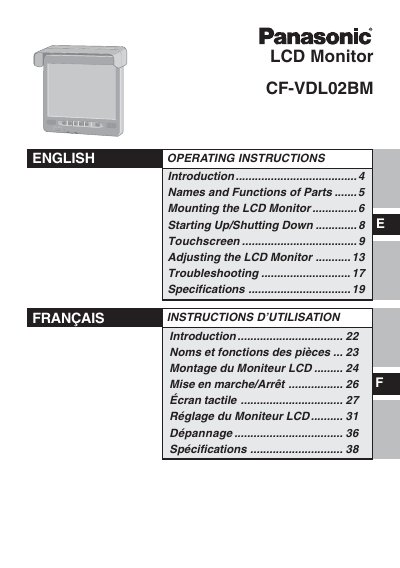
This manual provides operating instructions for the Panasonic CF-VDLO2BM LCD monitor designed for use with notebook computers. It details the names and functions of parts, including LED indicators and control buttons, and explains how to connect the unit to a computer via a port replicator or direct cables. The guide covers mounting procedures, starting up and shutting down the system, and adjusting settings like brightness and volume.
The DC-IN jack requires an input of 15.6 V.
No, the driver must not operate the LCD monitor because doing so is a distraction that may lead to an accident.
If the temperature rises, the backlight will turn off automatically due to an increase in the internal temperature.