
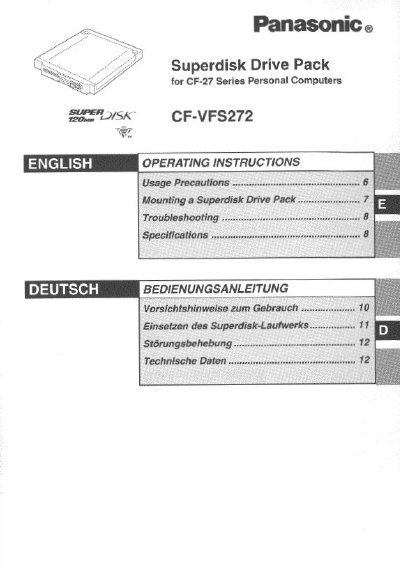
This document provides usage precautions and installation instructions for the Panasonic CF-VFS272 Superdisk Drive Pack. It is designed to function as an internal drive for a 120 MB Superdisk when mounted in the multimedia pocket of CF-27 Series Personal Computers, replacing a standard floppy disk drive.
The manual details the mounting procedure, including power-off requirements and handling instructions to prevent damage. It also covers troubleshooting steps for common issues such as unrecognized drives or read errors, along with specific configuration settings required within the Windows operating system. This manual is written in German.
| Data Transfer Rate (120 MB mode) | 531 to 958 KB/sec |
|---|---|
| Disk Rotation Rate | 1440 rpm |
| Operating Voltage Range | DC5V t5% |
| Interface Standard | enhanced IDE (ATAPI) |
No, the Superdisk Drive Pack must be installed into the multimedia pocket and not connected via an FDD cable.
Removing a disk while accessing data may damage the data on the disk.