
This is a mini port replicator user manual for the Panasonic CF-T4/CF-W4 notebook computer series
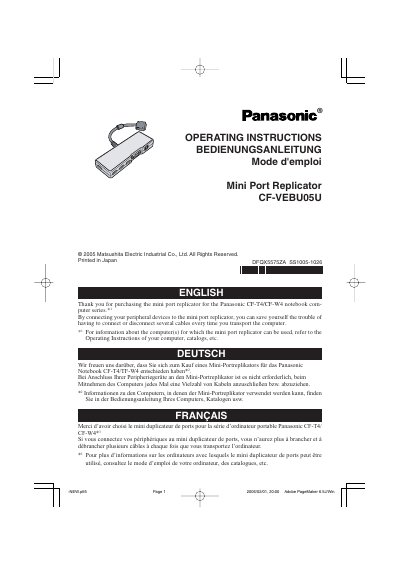
This manual provides operating instructions for the Panasonic CF-VEBU05U Mini Port Replicator, designed for use with the Panasonic CF-T4/CF-W4 notebook computer series. The device allows users to connect peripheral devices such as external displays, LAN cables, and AC adaptors to a single connector, reducing the need to manage multiple cables during transport.
| Power Supply Input | DC16.0 V |
|---|---|
| Connector Type | 50-pin |
| USB Ports | USB x 4 (USB 2.0) |
| Allowable current for USB ports 2a/2b/2c | 100 mA |
| LAN Port Standard | IEEE 802.3 10 Base-T, IEEE802.3u 100 Base-TX |
| External Display Port | Mini Dsub 15-pin female |
| Physical Dimensions | 150 mm x 22 mm x 52 mm |
| Weight | Approx. 210 g |
It is designed for the Panasonic CF-T4/CF-W4 notebook computer series.
Use of an interface cable longer than 3 m (9.84 feet) is not recommended.
Confirm the device consumes 100 mA or less, or turn off the power saving function on the USB2.0 USB Root Hub.