
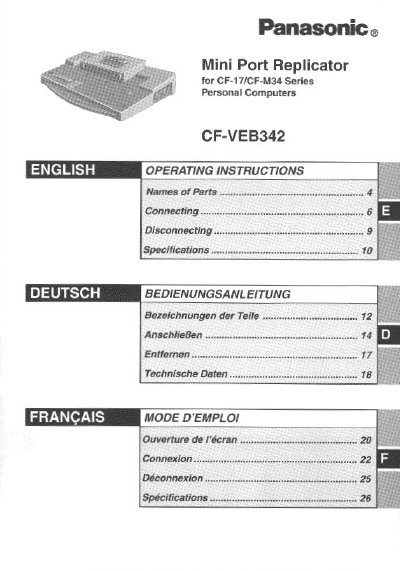
Panasonic CF-VEB342 Mini Port Replicator Operating Instructions


Panasonic CF-VEB342 Mini Port Replicator Operating Instructions - cover page
Brand
Panasonic
Category
Other Electronics
Document type
User Manual
Language
English
Pages
28
File format
PDF
File size
622 KB
Published
08 August, 2012
Updated
20 August, 2012
MD5 checksum
5B9BD7D77D032E9CDDCD0330D7B0CDAF

About this manual

This manual provides operating instructions for the Panasonic CF-VEB342 Mini Port Replicator, a docking station intended for the Panasonic CF-17/CF-M34 Series Personal Computers. The device allows users to connect peripheral devices such as keyboards, mice, and displays via various ports including USB, Serial, Parallel, Display, and DC-IN jacks.

What's inside

  • Names of Parts
  • Front/Rear Side View
  • Connecting the AC Adapter
  • Docking the Computer
  • Undocking the Computer
  • Troubleshooting

Frequently asked questions

What computer series is this mini port replicator designed for?

This device is intended for use with the Panasonic CF-17 and CF-M34 notebook computer series.

What is the maximum recommended length for the interface cable?

The manual recommends not using an interface cable longer than 3 meters or 9.84 feet.

Can the mini port replicator operate using only the computer's battery power?

No, the device will not function unless you use the specified AC adapter connected to an outlet.

Download PDF (622 KB)

More Panasonic Manuals


View all Panasonic manuals →