
This manual introduces the operating method of the Mini Port Replicator (connector) for the Panasonic CF-74 series notebook computers. By connecting your peripheral devices to the Mini Port Replicator, you can avoid the trouble of having to connect or disconnect several cables every time you transport the computer.
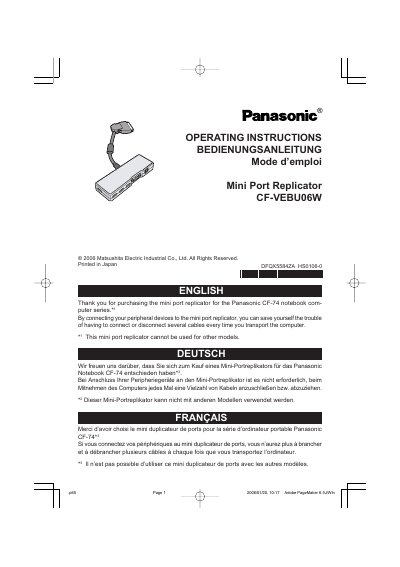
This document provides operating instructions for the Panasonic CF-74 Mini Port Replicator (Model No. CFVEBU06W). It details how to connect and disconnect the device from the computer and explains the functions of its various ports, including USB, LAN, and external display connections.
The manual includes specific technical specifications such as power input requirements, physical dimensions, and environmental operating conditions. It also provides troubleshooting tips for USB devices that do not operate correctly when connected to the replicator.
| Connector Type | 65-pin |
|---|---|
| USB Ports | x 4 (USB 2.0) |
| External Display Port | Mini Dsub 15-pin female |
| Physical Dimensions | 150 mm x 22 mm x 52 mm |
| Weight | Approx. 225 g |
The allowable current for each port (USB 2a, 2b, 2c) is 100 mA.
If you connect to USB port 1 and then disconnect the printer, the USB 2a/2b/2c ports may be disabled. In this case, restart the computer.