
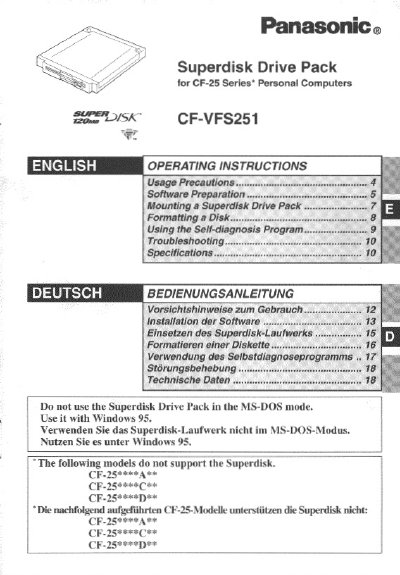
This manual provides operating instructions for the Panasonic CF-VFS251 Superdisk Drive Pack, designed for use with CF-25 series personal computers. The device functions as an internal drive for a 120 MB Superdisk, replacing the standard floppy disk drive when mounted in the computer's multimedia pocket.
The document details the necessary software preparation steps, including updating the BIOS and installing Windows 95 driver files. It also explains how to physically mount the drive pack and provides specific procedures for formatting disks and using the self-diagnosis program.
| Storage Capacity | 120 MB |
|---|---|
| Compatible OS | Windows 95 |
| Incompatible Mode | MS-DOS mode |
The models CF-25**** AF*, CF-25***#*C#*, and CF-25*##* D2 ¥* do not support the Superdisk.
It may take about 30 minutes to format the Superdisk.
No, you must not use the Superdisk Drive Pack in the MS-DOS mode.