
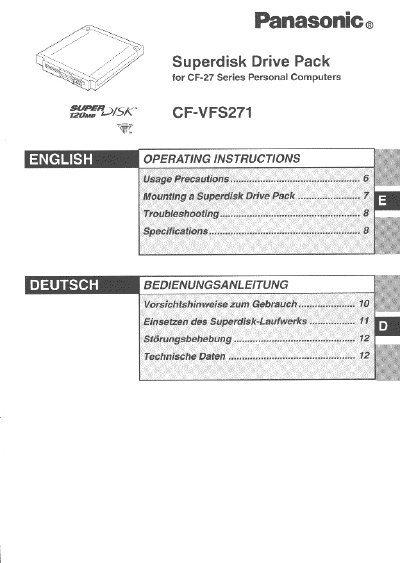
This document provides operating instructions for the Panasonic CF-VFS271 Superdisk Drive Pack, designed for use with the CF-27 Series Personal Computers. The device functions as an internal drive for a 120 MB Superdisk, replacing a standard floppy disk drive when mounted in the computer's multimedia pocket.
The manual covers usage precautions, such as handling disks and avoiding magnetic interference, as well as step-by-step instructions for mounting and removing the drive pack. It also includes troubleshooting guides for common issues like unrecognized drives or read errors, along with technical specifications and multilingual sections for German and Swedish users.
| Data Transfer Rate | 313 to 565 KB/sec (120 MB mode) |
|---|---|
| Disk Rotation Rate | 720 rpm |
| Interface | Conforms to enhanced IDE (ATAPI) standard |
| Dimensions | 129.6 mm x 150 mm x 23.7 mm |
| Weight | Approx. 295 g |
No, do not install the Superdisk Drive Pack with a FDD cable; it must be mounted into the multimedia pocket.
Check if the drive is properly mounted and clear the check mark from [Auto insert notification] in the Device Manager.
Insert a straightened paper clip into the emergency hole and push it completely to the end.