
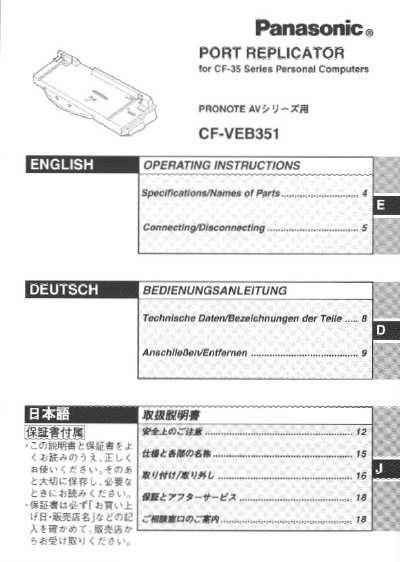
This manual provides operating instructions for the Panasonic CF-VEB351 port replicator, designed for use with the CF-33 series of personal computers. The device allows users to connect peripheral devices to the port replicator instead of the computer, saving the trouble of connecting and disconnecting multiple cables during transport. It features the same connection terminals as the computer, with the exception of the infrared communication port.
The document details the specifications, including a DC 15.1V power supply input and a 100-pin expansion bus connector. It provides step-by-step instructions for connecting and disconnecting the unit, emphasizing the need to power off the computer before making connections. The manual also includes troubleshooting advice and safety warnings regarding the use of shielded interface cables and the maximum recommended cable length of 3 meters.
| Power Supply Input | DC 15.1 V |
|---|---|
| Physical Dimensions | 332 mm X 150 mm X 62mm |
| Weight | Approx. 800g |
| Operating Temperature | 10 to 35 C |
Use of an interface cable longer than 3 m (118.11 inch) is not recommended.
No, you must power off the computer and disconnect all cables before connecting or disconnecting the port replicator.