
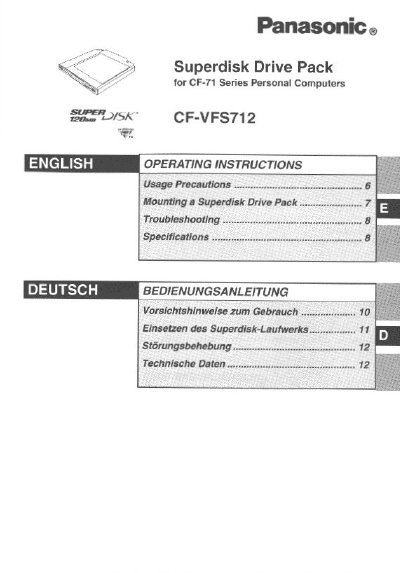
This document provides operating instructions for the Panasonic CF-VFS712 Superdisk Drive Pack, designed for use with CF-71 Series Personal Computers. The device functions as an internal drive for a 120 MB Superdisk when mounted in the computer's multimedia pocket, replacing a standard floppy disk drive. It supports both Superdisks and standard floppy disks.
| Data Transfer Rate | 531 to 958 KB/sec (120 MB mode) |
|---|---|
| Disk Rotation Rate | 1440 rpm |
| Dimensions | 133.1 mm x 147.1 mm x 15.3 mm |
| Weight | Approx. 290 g |
Insert a straightened paper clip into the emergency hole and push it completely to the end to enable the disk to be removed.
The product functions as an internal drive for a Superdisk with a capacity of 120 MB.
It may take about 10 minutes to format the Superdisk.
The drive operates within a DC voltage range of 4.5V to 5V.