
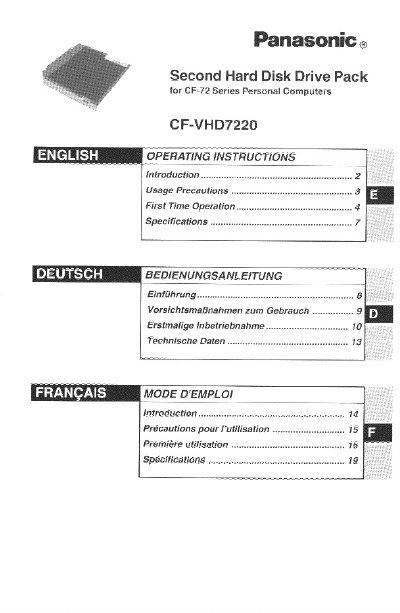
Panasonic CF-VHD7220 Second Hard Disk Drive Pack User Manual


Panasonic CF-VHD7220 Second Hard Disk Drive Pack User Manual - cover page
Brand
Panasonic
Category
Other Electronics
Document type
User Manual
Language
English
Pages
20
File format
PDF
File size
448 KB
Published
08 August, 2012
Updated
20 August, 2012
MD5 checksum
EECCFEAFA2ADB370EA525C7D549CFA58

About this manual

This document is the user manual for the Panasonic CF-VHD7220 Second Hard Disk Drive Pack, designed for use with the Panasonic CF-72 notebook computer series. The pack connects to the computer via the Multimedia Pocket to provide additional storage.

What's inside

  • Introduction
  • Usage Precautions
  • First Time Operation
  • Removal and Installation
  • Specifications

Specifications

Formatted Capacity20 GB
Operating Voltage RangeDC 5 V +/- 5%
Power Consumption2.5 W (Typical)
Disk Rotation Speed4200 rpm
InterfaceATA-5
WeightApprox. 200 g

Frequently asked questions

Can I install the second hard disk drive pack while the computer is on?

No, you must power off your computer before installing the pack for the first time.

What is the formatted capacity of the drive?

The formatted capacity is 20 GB.

Download PDF (448 KB)

More Panasonic Manuals


View all Panasonic manuals →